On this page 23
Short welcome messages for customers
The short answer: a good welcome message names the customer, thanks them and says what happens next, in one or two lines. Pick one below and change the parts in brackets.
- Simple: “Welcome to [business name]! We're glad you're here.”
- With thanks: “Hi [name], thanks for choosing us. We're here if you need anything.”
- After an order: “Welcome aboard, [name]! Your first order is in good hands.”
- Open door: “Great to have you with us, [name]. Ask us anything, anytime.”
- Warm: “Welcome, [name]! It means a lot that you picked us.”
- For a returning visit: “Hi [name], welcome back to [business name]! Good to see you again.”
- One line: “Thanks for joining us, [name]. You're in good hands.”
- With what's next: “Welcome to [business name]! You'll hear from us [tomorrow] with everything you need to get started.”
Welcome messages for an online store
For a customer who just ordered, made an account or signed up. Send it in the order confirmation, the first email, a text, or as the reply when they message your shop. The lines a visitor sees on the website itself are in the next section.
- New customer: “Hi [name], welcome to [shop name]! Your order is confirmed, and we'll message you the moment it ships.”
- First order, warm: “Hi [name], welcome to [shop name]! Thank you for trusting us with your first order. If anything isn't as you hoped, just reply here.”
- With a code for next time: “Thanks for shopping with [shop name], [name]! Here's [10%] off your next order: [code].”
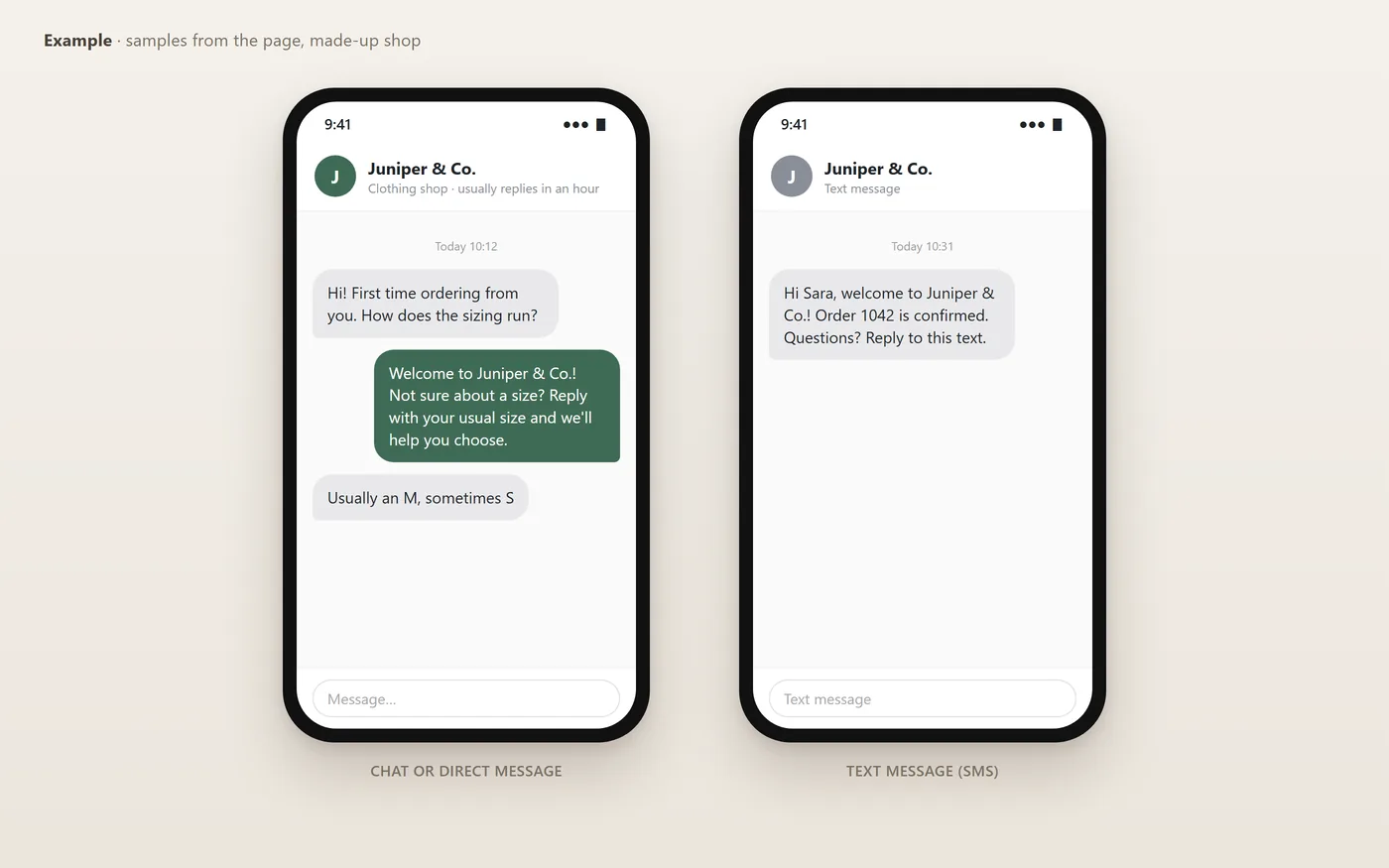
- Sizing help: “Welcome to [shop name]! Not sure about a size? Reply with your usual size and we'll help you choose.”
- Returns: “Welcome, [name]! If anything isn't right, you can return it within [14 days]. Details: [link].”
- Account created: “Welcome to [shop name], [name]! Your account is ready. [Save favourites and track orders] here: [link].”
- Newsletter sign-up: “Thanks for signing up! You'll be first to hear about new arrivals and sales. Here's [10%] off to start: [code].”
- Shipped: “Good news, [name]! Your first order from [shop name] is on its way. Track it here: [link].”
- Cash on delivery: “Hi [name], welcome to [shop name]! Your order is confirmed. Please have [amount] ready for the courier on [date].”
- Gift order: “Thanks for your order, [name]! We've added your gift message[, and we've left the price off the packing slip].”
- Handmade or small shop: “Hi [name], I'm [your name], and I make everything in [shop name] myself. Thank you for supporting a small business!”
- After delivery: “Has your order arrived, [name]? We'd love to know what you think. A photo or review helps us a lot.”
- Welcome back: “Welcome back, [name]! Good to see you again. [New arrivals] landed this week: [link].”
- Abandoned basket: “Hi [name], welcome to [shop name]! You left something in your basket. It's saved for you here: [link].”
Website welcome messages and greetings
The line a visitor reads on your homepage, in the bar across the top, in a pop-up or in the chat window. Give each one a single job: say who you are, then point to one next step. Only promise what your policy says, and keep any offer the same in the pop-up, the confirmation and the email.
- Homepage headline: “Welcome to [business name]. We help [who] [do what]. Start here: [link].”
- Homepage, simple: “Hi, welcome to [business name]! Have a look around, and if you have a question, we're one message away.”
- Online store homepage: “Welcome to [shop name]: [what you sell], shipped from [city]. New arrivals every [Thursday].”
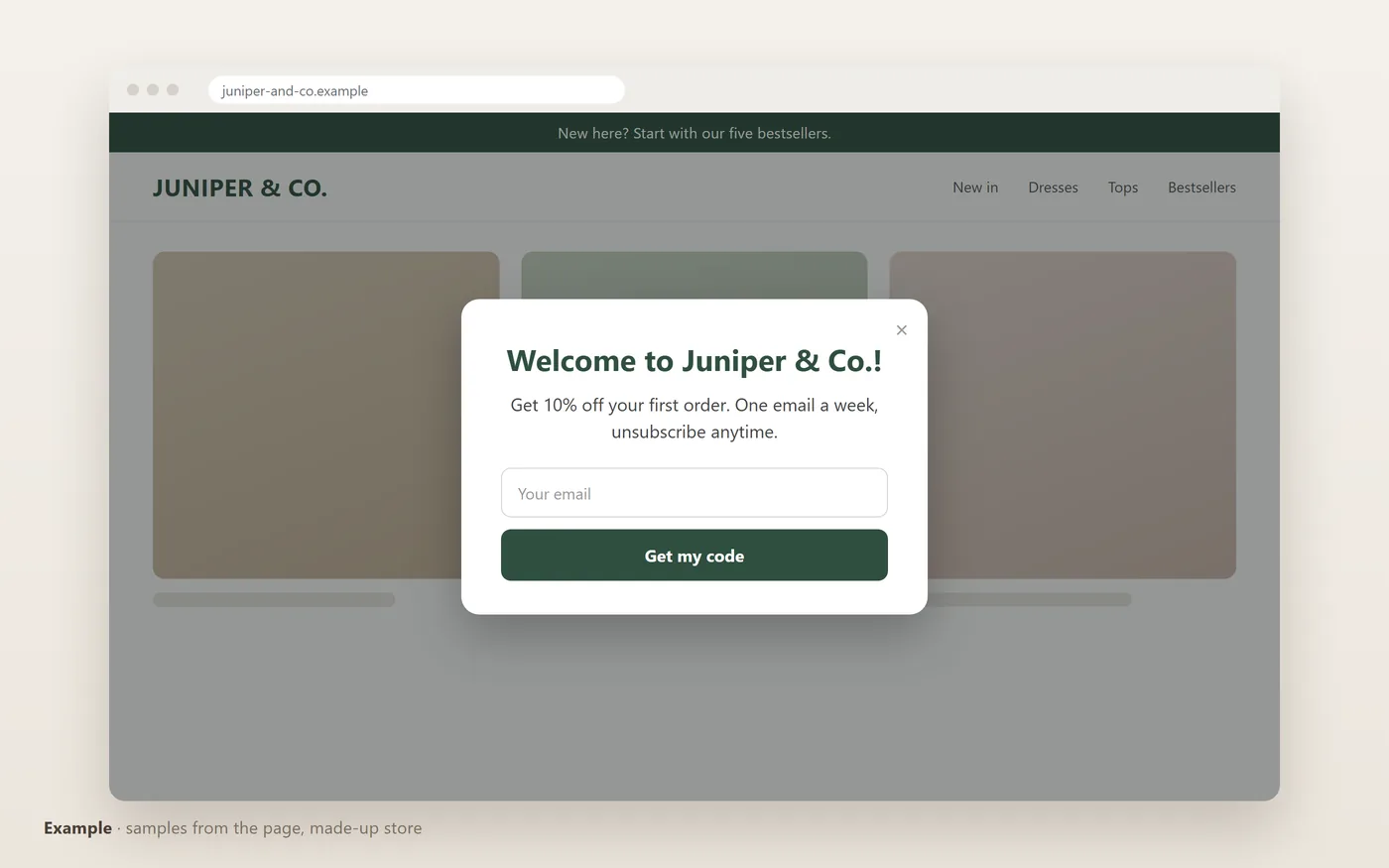
- Announcement bar: “New here? Start with our [five] bestsellers.”
- Announcement bar, trust: “Welcome! Returns within [14 days] on [full-price] orders.”
- Sign-up pop-up: “Welcome to [shop name]! Get [10%] off your first order. [One email a week], unsubscribe anytime.”
- After the sign-up: “You're in! Your code is [CODE]. We've sent it to your inbox too.”
- Chat window: “Hi! Ask me about sizes, delivery or returns.”
- Returning visitor: “Welcome back! The items you looked at last time are saved here: [link].”
- Service business: “Welcome to [business name]. Book a [consultation] online or call us on [number].”
- About page: “Welcome! We're [names], and we started [business name] in [year] because [one honest reason].”
- New account page: “Welcome to your account, [name]. Your orders, addresses and saved items are all here.”
Welcome posts for your shop's Instagram or Facebook page
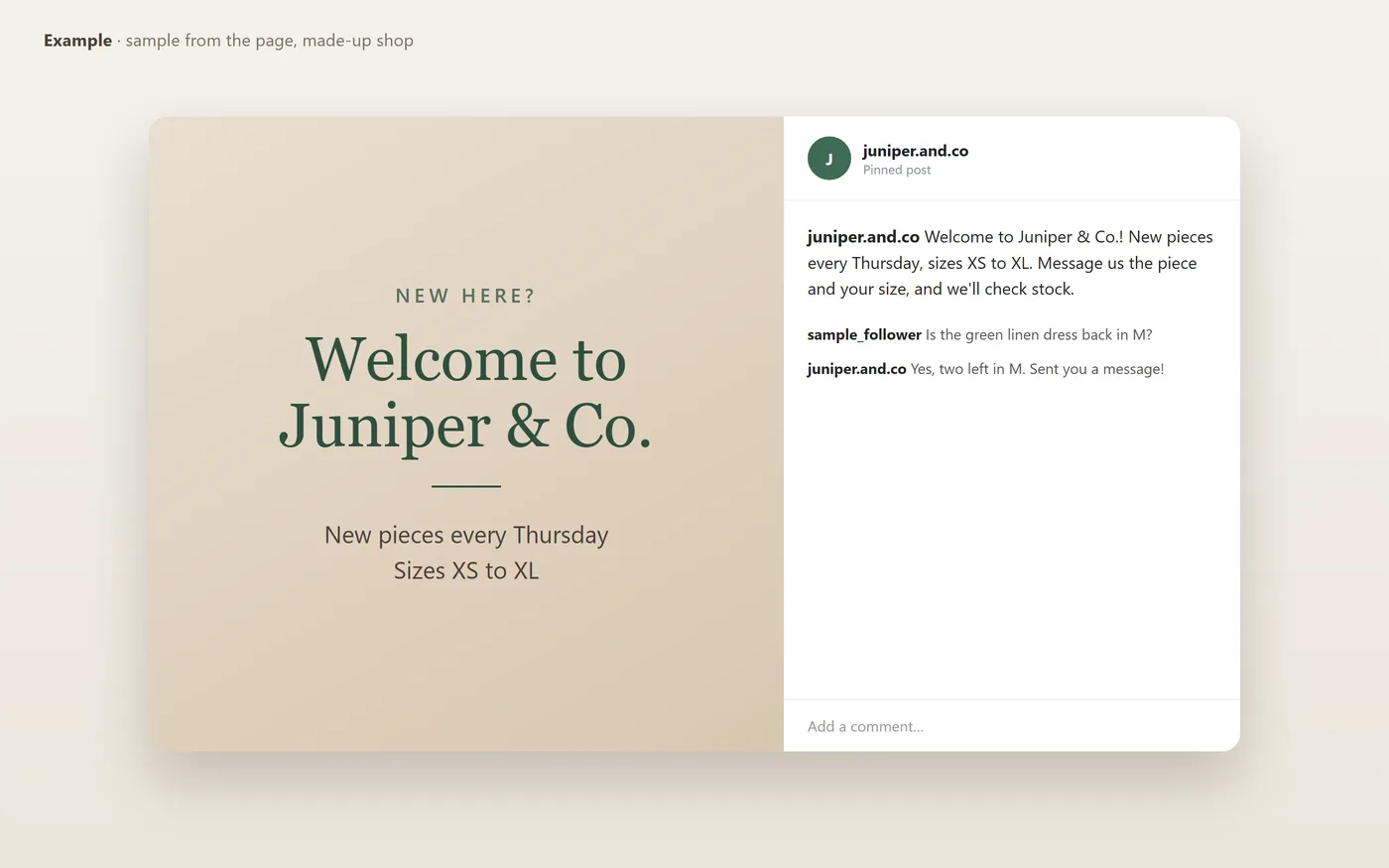
A post that greets new followers and tells them what you sell and how to order. Pin it to the top of your profile so it is the first post a new visitor sees.
- Online shop: “Welcome to [shop name]! We sell [handmade candles] and deliver across [the UAE]. To order, send us a message or tap the link in our bio.”
- Clothing page: “Welcome to [shop name]! New pieces every [Thursday], sizes [XS to XL]. Message us the piece and your size, and we'll check stock.”
- To new followers: “To everyone who found us this week: welcome! Each piece is [sewn in our studio]. Comment your favourite and we'll reply with sizes.”
- How to order: “New here? How to order: send us a photo of the piece, tell us your size, and we'll confirm the price and delivery date.”
- Opening post: “Thank you for following [shop name] from day one! Our first collection is live, and first orders ship [Monday].”
- Meet the owner: “Hi, I'm [your name], the person behind [shop name]. I [pack every order myself], and I read every message.”
- Thank you: “Welcome to all our new followers! Thank you for every share, order and kind message.”
Welcome messages for a clothing store or boutique
- New customer: “Hi [name], welcome to [shop name]! Your [dress] is confirmed. If the size isn't right, you can exchange it within [14 days].”
- Size help: “Welcome! Tell us your height and usual size, and we'll suggest the best fit before you order.”
- After a boutique visit: “Thanks for visiting [boutique name] today, [name]! Reply here if you'd like us to hold a piece for you.”
- New collection: “Welcome to [shop name]! Our [winter] collection is live: [link]. Sizes go fast, so ask us if yours is gone.”
- Care tip: “Welcome to the [shop name] family! [Wash on cold and dry flat], and your new piece will last.”
What makes a welcome message good
- The customer's name: a message that opens with a name gets read; a general one gets skipped.
- What happens next: when the order arrives, when the appointment is, when you will reply.
- One way to reach you: where to ask if they need something.
- Short: three lines are enough. A welcome is not an advert.
Greeting messages for customers
A greeting is the first line of a reply, a chat or a call script: shorter than a welcome, and it should end by inviting the customer to speak.
- Chat or DM: “Hello [name], thanks for reaching out to [business name]! How can I help?”
- Website chat: “Hi there! Looking for something in particular? I'm happy to help you find it.”
- Morning: “Good morning, [name]! Thanks for your message. What can we do for you today?”
- Formal: “Good afternoon, and thank you for contacting [company name]. How may we assist you?”
- Busy period: “Hi [name], thanks for your patience! We're answering messages in order and will be with you within [30 minutes].”
- Phone or voicemail: “Thank you for calling [business name]. Please leave your name and number, and we'll call you back [today].”
- Holiday: “Season's greetings from all of us at [business name], [name]! How can we help?”
- Returning customer: “Hi [name], great to hear from you again! Is this about your last order or something new?”
Welcome messages after a first order
- Friendly: “Hi [name]! Your first order is in and we've started packing it. We'll send the tracking number within [24 hours].”
- Formal: “Hello [name], thank you for choosing us. Order [number] is confirmed and will reach you within [3 working days].”
- With a gift: “Welcome to the [shop name] family! We've added [a small gift] to your first order. We hope you like it.”
- With an invitation: “Thanks for your first order, [name]. If you need anything before it arrives, message us here and we'll reply within [an hour].”
Welcome messages for a first question
- General: “Hi [name], great to hear from you at [business name]. How can we help today?”
- With the product list: “Welcome! Products and prices are here: [link]. If you have a question, I'm right here.”
- Outside working hours: “Welcome to [business name]. Your message has reached us and we'll reply [tomorrow from 9am].”
- Asking for details: “Hi! Thanks for messaging [business name]. Tell us what you're looking for and we'll reply within [an hour].”
- With a photo request: “Welcome to [business name]! Send a photo of the item you're asking about and we'll check it for you.”
Welcome text messages (SMS) for new customers
Each one fits in a single text message (160 characters) with short names and a short link; an emoji or non-Latin letters cut the limit to 70. Only text customers who gave you their number for that purpose, and in a marketing text, say how to stop the messages.
- Order confirmed: “Hi [name], welcome to [business]! Order [number] is confirmed. Questions? Reply to this text.”
- Appointment: “Welcome to [business], [name]! Your appointment is [Tue 4pm]. Reply C to confirm.”
- First visit: “Thanks for joining [business]! Show this text in store for [10%] off your first visit. Reply STOP to opt out.”
- New account: “Hi [name], your [business] account is ready. Log in here: [link]”
- Text club sign-up: “Welcome to [business] texts! Expect [2] offers a month. Reply STOP to opt out.”
- Short thank you: “Hi [name], thanks for choosing [business]! Save this number to reach us anytime.”
- Delivery: “[business]: welcome, [name]! Your order ships [today]. Track it: [link]”
- Service booked: “Hi [name], welcome to [business]! [Technician] will arrive [Wed 9-11am]. Reply with any questions.”
- Membership: “Welcome to [business], [name]! Your membership starts today. Your member number: [number].”
- Review later: “Thanks for your first visit to [business], [name]! How did we do? [link]”
Welcome emails for new customers
An email has room for one more thing than a text: a subject line that says who it is from, and a single next step in the body.
- Store: Subject line: Welcome to [shop name], [name]. “Thanks for your first order! It ships within [2 days], and we'll email the tracking number. Reply to this email with any question; a real person reads it.”
- Service: Subject line: Welcome aboard, here's what happens next. “Hi [name], we're glad to be working with you. Your first [session] is on [date]. Before then, please [send us your logo].”
- Software or app: Subject line: Your [product] account is ready. “Welcome, [name]! The fastest way to start is [one first step]. It takes about [5 minutes].”
- From the founder: Subject line: A quick hello from [your name]. “Hi [name], I started [business name] because [one honest reason]. Thank you for being here. If anything isn't right, reply and it comes straight to me.”
- Newsletter: Subject line: You're in!. “Thanks for subscribing, [name]. Every [Tuesday] you'll get [one short tip]. If it stops being useful, unsubscribe in one click.”
- Formal: Subject line: Welcome to [company name]. “Dear [name], thank you for choosing [company name]. Your account manager, [manager name], will contact you by [date] to arrange an introductory call.”
Welcome notes for customers
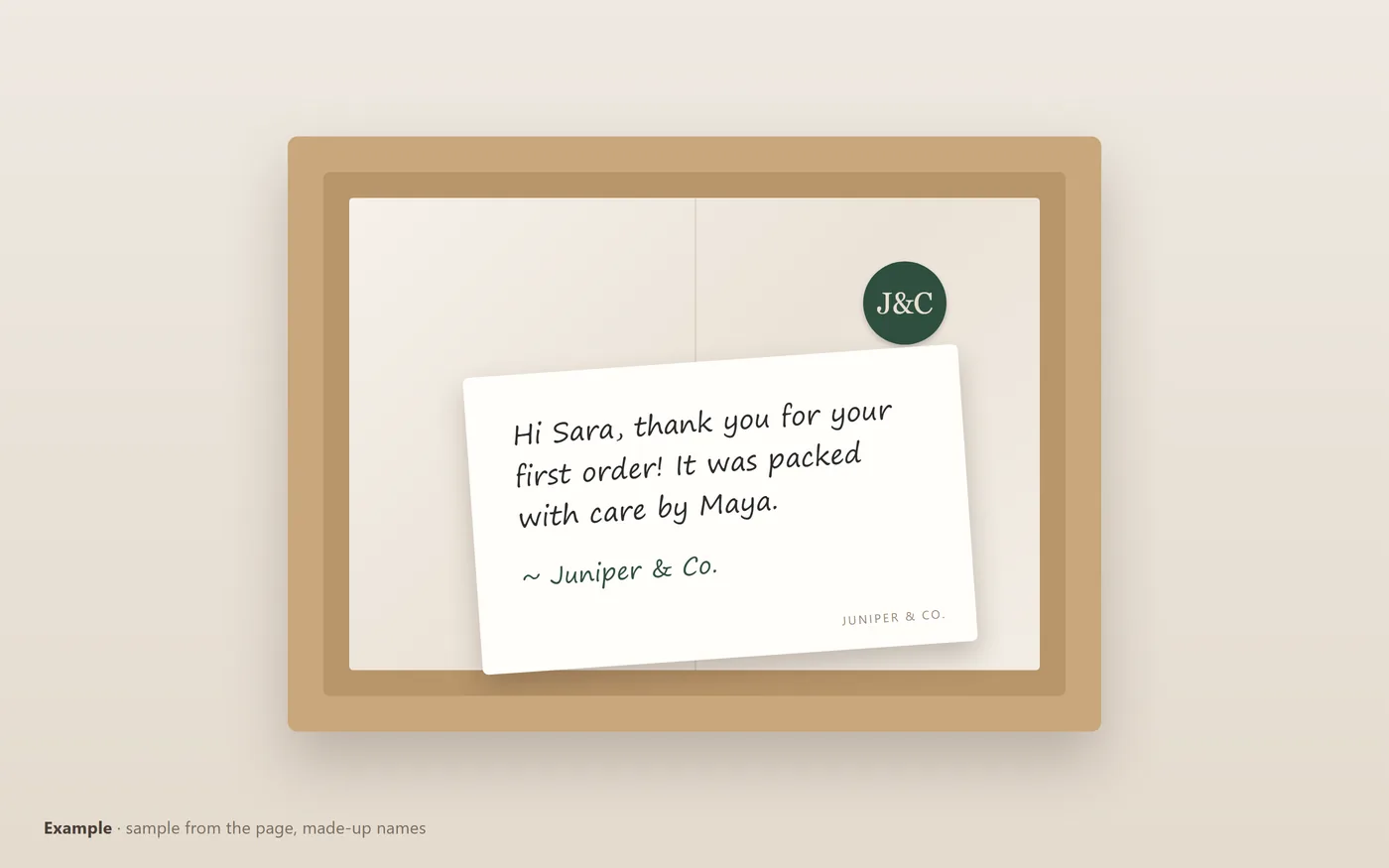
A short handwritten or printed note in the first package or on a card at check-in. Two lines are plenty.
- In the box: “Hi [name], thank you for your first order! It was packed with care by [your name].”
- Small business: “You just made our day. Thank you for supporting a small business!”
- With a tip: “Welcome to [shop name]! For best results, [wash on cold / store away from sunlight].”
- With a discount: “So glad you found us. Here's [10%] off your next order: [code].”
- For a social follow: “Thanks for choosing us! We'd love to see how you use it. Tag us at [@handle].”
- Hotel room: “Welcome, [name]. We hope you feel at home here. Anything you need, just call [extension].”
Welcome words for a sign, card or post
Short lines for a shop door, a counter card, a website banner or the first line of a post. Short lines written to be used, not famous quotes.
- Shop door: “Come on in. We're glad you stopped by.”
- Counter card: “So glad you're here. Make yourself at home.”
- Browsing: “Welcome in. Take your time; we're here if you need us.”
- First visit: “Welcome! Every favourite starts with a first visit.”
- Small business: “Thank you for choosing a small business. Welcome to ours.”
- Banner: “Welcome! Good things are waiting inside.”
Welcome messages for new service clients and subscribers
- Consultant or coach: “Hi [name], glad to be working with you. Our first session is [Sunday at 5], and here is what I need from you before it: [item].”
- Monthly subscription: “Welcome to [service name]! Your subscription is active from today. Start here: [link], and I'm here for any question.”
- Clinic or salon: “Hi [name], your first appointment is confirmed for [Tuesday at 4]. Please arrive ten minutes early.”
- Course: “Welcome to [course name]! We start on [Saturday]. The timetable and materials are here: [link].”
Welcome messages for a restaurant or café
- After a booking: “Hi [name], your table for [2] is booked for [Friday at 8pm]. We look forward to welcoming you!”
- First visit: “Thanks for dining with us, [name]! We hope to see you again soon. Tell us what you loved.”
- Loyalty card: “Welcome to the [café name] regulars! Your [10th coffee] is on us.”
- Delivery order: “Hi [name], thanks for ordering from [restaurant name]! Your food is being prepared and should arrive in about [35 minutes].”
Welcome messages for a salon or spa
- Booking confirmed: “Hi [name], welcome to [salon name]! You're booked with [stylist] on [Thursday at 3pm].”
- After the visit: “Thanks for visiting [salon name], [name]! Book your next appointment here: [link].”
- Spa: “Welcome to [spa name], [name]. Your treatment is on [date]. Robes and towels are provided; just bring yourself.”
- New client offer: “Welcome! As a new client, you get [15%] off your second visit within [30 days].”
Welcome messages for a gym or fitness studio
- New member: “Welcome to [gym name], [name]! Your membership is active. Your induction is on [Monday at 6pm].”
- First class: “Hi [name], you're booked into [class name] on [Saturday at 9am]. Bring water and a towel, and say hi to [coach].”
- App or schedule: “Welcome to [studio name]! Book classes and see the timetable here: [link].”
- Personal training: “Hi [name], I'm [trainer], and I'll be working with you. Before our first session, tell me your main goal.”
Welcome messages for real estate clients
- New buyer: “Hi [name], thanks for choosing [agency name]. I'll send you homes that match [3 bedrooms under budget] as soon as they list.”
- New seller: “Welcome, [name]! I'm looking forward to selling your home. I'll visit on [date] to take photos and agree the price.”
- Tenant: “Welcome to your new home, [name]! Your keys are ready on [date]. For any repairs, message [number].”
- After a viewing: “Thanks for viewing [address] today, [name]. What did you think? Happy to answer any questions.”
Welcome messages for hotel and rental guests
- Before arrival: “Hi [name], we're looking forward to your stay at [hotel name] on [date]. Check-in is from [3pm].”
- Check-in: “Welcome to [hotel name], [name]! Wi-Fi: [network], password [code]. Reception is open 24 hours.”
- Holiday rental: “Welcome, [name]! The key box code is [code], and the house guide is on the kitchen table. Enjoy your stay.”
- During the stay: “Hope you're settling in well, [name]. If anything in your room isn't right, reply here and we'll fix it.”
Formal welcome messages for business clients
- Business to business: “Dear [company name], we are pleased to have you as a client. Your account manager is [name], reachable at [email].”
- After signing: “Thank you for your trust. Work begins on [date], and we will send the plan for week one within [two days].”
- New account: “Hello [name], your account with us is open. Login details follow in the next message, and support is available [Sunday to Thursday].”
- Brief: “Welcome to [company name]. We look forward to working with you.”
New business and shop opening messages
- Opening announcement: “We're open! [Business name] welcomes you from [date] at [address]. Come and say hello.”
- Online launch: “[Shop name] is now live online. Browse the first collection here: [link].”
- Opening offer: “To celebrate our opening, enjoy [15%] off until [date]. We can't wait to meet you.”
- To your first customers: “Thank you for being one of our first customers, [name]. You're part of how [business name] begins.”
Welcome lines for a new follower or member
These go in a welcome post, or in a reply to someone who messaged or commented. Do not send automated messages to people who never wrote to you first: that breaks the platforms' rules.
- Creator: “Hi [name]! Thanks for following. I post [a new recipe every Sunday] and I read every message.”
- Shop: “Welcome, [name]! New arrivals land every [Thursday]. If you're after something specific, just ask.”
- With a question: “Welcome! What brought you here? Your answer helps me post what is useful to you.”
- Short: “Glad you're here!”
After the welcome: when the customer asks their question
A welcome message is one template for everyone; the question that follows is different for every customer. PersonaXpand is our product: it drafts a reply to each direct message on Instagram and Facebook, and to each comment on Instagram, Facebook, X, YouTube and Threads, in your own style and in the language the message was written in. You approve a reply with one tap, or let routine replies send on their own.
PersonaXpand does not support WhatsApp, but the templates on this page paste into it as they are.